 listicle
9 Manufacturing Software Picks for Discrete Manufacturing
Last Updated: October 31, 2026
Quick Summary
The right manufacturing software for discrete manufacturing depends on your production model (engineer-to-order, make-to-order, make-to-stock, or mixed-mode) and your plant size, not just the discrete-versus-process distinction. Match the software to your production model first, then to your size, and prioritize bill of materials management, production planning and scheduling, WIP tracking, inventory accuracy, quality management, and costing.
- Discrete manufacturing builds countable items from parts using bills of materials, routings, and work orders tied to specific units.
- Buying enterprise depth for a 20-person shop is a common and expensive mistake.
- Finite-capacity planning loads work against real machine hours and surfaces overload before orders are released.
- Test a three-level BOM with a shared component to confirm MRP does not double-count parts.
- Implementation effort, not licence cost, is where manufacturing software budgets go wrong.
Table of Contents
- Quick Comparison: Manufacturing Software for Discrete Manufacturing
- Discrete vs. Process Manufacturing: Why the Distinction Matters
- Discrete Manufacturing Software Features That Actually Matter
- Production Planning Software for Manufacturers: What to Look For
- 1. SubAssembly: Spreadsheet-to-App Platform for Small Plants
- 2. MIE Trak Pro: ERP Built for Metal Fabricators
- 3. Microsoft Dynamics 365: Engineer-to-Order and Change Management
- 4. Infor CloudSuite Industrial: Cloud or On-Premises Discrete ERP
- 5. Epicor Kinetic: Make-to-Order and Make-to-Stock Production
- 6. Rootstock Cloud ERP: Cloud ERP for Discrete Production
- 7. ECI M1: Discrete ERP for Job Shops
- 8. Global Shop Solutions: ERP Focused on Shop Management
- 9. Microsoft Dynamics 365 Business Central: Production Planning and MRP for Small Manufacturers
- How to Choose Without Overspending
- Frequently Asked Questions
Quick Comparison: Manufacturing Software for Discrete Manufacturing
The right manufacturing software for discrete manufacturing depends on how your plant turns parts and assemblies into finished products, and whether your current tools can track that flow. Many plant teams run production on spreadsheets never built for bills of materials, work orders, or WIP tracking.
| Software | Best For | Deployment | Standout Strength |
|---|---|---|---|
| SubAssembly | Small plants digitizing spreadsheets | Cloud, no-code | Apps built from your own files in 60 seconds |
| MIE Trak Pro | Metal fabricators | On-premises or hosted | Fabrication-focused workflows |
| Microsoft Dynamics 365 | Engineer-to-order shops | Cloud | Engineering change management |
| Infor CloudSuite Industrial | Mid-size discrete plants | Cloud or on-premises | Production management and scheduling |
| Epicor Kinetic | Make-to-order and make-to-stock | Cloud or on-premises | Discrete production functionality |
| Rootstock Cloud ERP | Cloud-first discrete manufacturers | Cloud | BOMs, routings, traceability |
| ECI M1 | Job shops evaluating ERP | On-premises or hosted | Discrete ERP coverage |
| Global Shop Solutions | Shop-floor-centric plants | On-premises or cloud | Shop management focus |
| Dynamics 365 Business Central | Small manufacturers | Cloud | Production planning and MRP |
Below, we break down what separates these systems, which features actually matter on a shop floor, and where each option fits.
Discrete vs. Process Manufacturing: Why the Distinction Matters
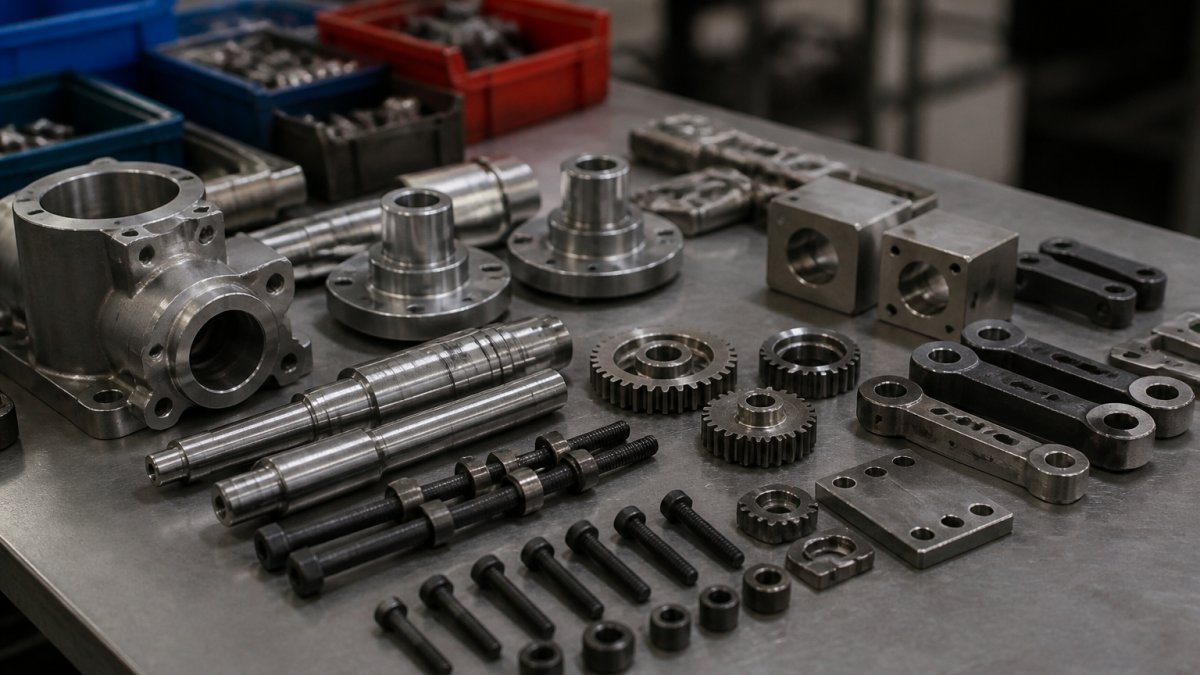
Discrete manufacturing builds countable items from parts: a pump, a bracket, a machine frame.
Discrete production runs on a bill of materials, routings, and work orders tied to specific units.
| Production model | How orders are triggered | Software capability that matters most |
|---|---|---|
| Engineer-to-order (ETO) | A customer drawing or specification | Engineering change management, revision control on BOMs, project costing |
| Make-to-order (MTO) | A confirmed customer order | Configure-to-order BOMs, order-specific routing, quote-to-cash tracking |
| Make-to-stock (MTS) | A forecast or replenishment signal | MRP, demand forecasting, finished-goods inventory and replenishment |
| Mixed-mode | A blend of the above | Shared BOM and routing structures, segment-level costing, one schedule across models |
A plant building to a customer drawing needs change control more than forecasting.
Size matters alongside model. Small plants usually get further with a narrow tool that solves tracking or scheduling first, then add financials.
If you want the longer explanation of how plant spreadsheets become working apps, read our guide on turning manufacturing spreadsheets into apps.
Discrete Manufacturing Software Features That Actually Matter
The features that matter most in discrete manufacturing software are bill of materials management, production planning and scheduling, work-in-progress tracking, inventory accuracy, quality management, and costing.
Here is what to check first:
- Bill of materials and product configuration: multi-level BOMs that handle revisions and options without breaking the build.
- Production planning and scheduling: capacity planning against real machine and labor availability, not a static calendar.
- WIP tracking and shop-floor management: where each work order sits right now, by operation.
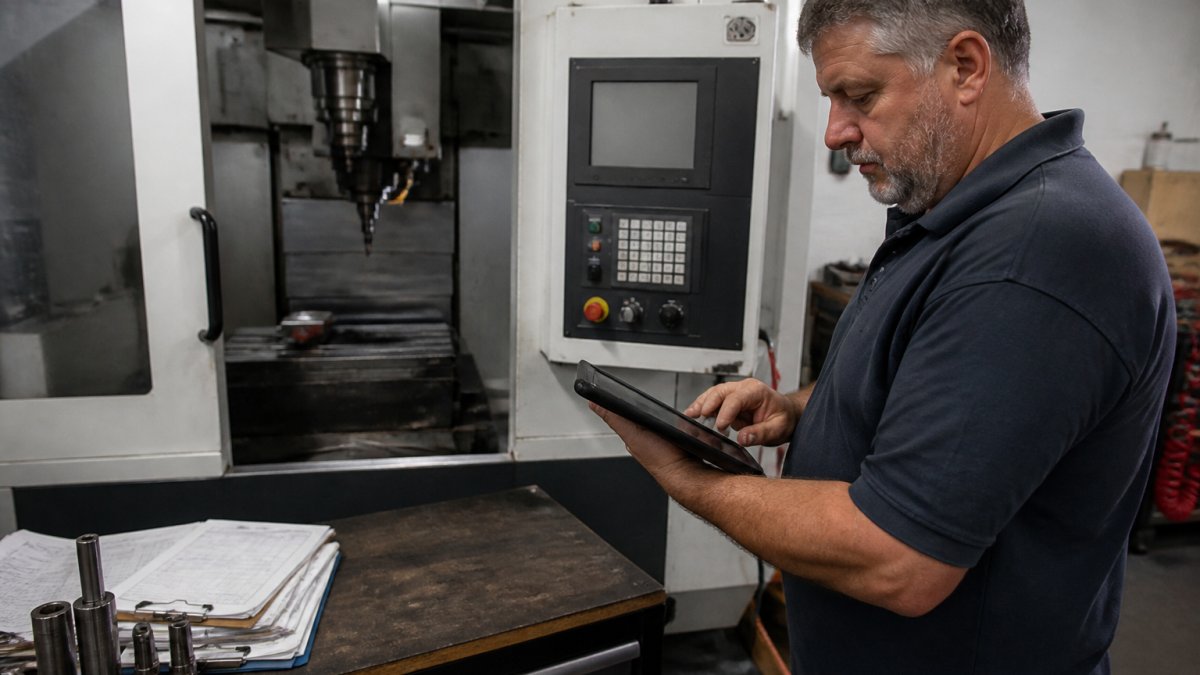
A common mistake is buying a full ERP to solve a tracking problem. You can try a lightweight MRP built for small manufacturers to see the BOM explosion and shortages on your own part master before you talk to any vendor.
Production Planning Software for Manufacturers: What to Look For
Production planning software should show the planner what changed since the schedule was published, not just what the schedule says.
Here is what separates the two, in the order it tends to matter on a shop floor:
- Finite capacity, not infinite capacity. Infinite-capacity planning assumes machines and people are available whenever an order needs them, so it promises dates your floor cannot hit. Finite-capacity planning loads work against real machine hours, labor shifts, and tooling constraints, and surfaces overload before the order is released. Ask a vendor to show a week where one work center is over 100% loaded and explain what the tool does about it.
- MRP that explodes multi-level BOMs correctly. MRP should take demand, subtract on-hand and on-order, and net out to time-phased purchase and production suggestions by part. The test is a three-level BOM with a shared component used in two parent assemblies, if the tool double-counts or misses the shared part, the shortage report is fiction.
- Reschedule with visible downstream impact. Drag-and-drop rescheduling is table stakes; what matters is whether the tool shows which customer orders move when a job is pushed, and by how much. A planner who cannot see the ripple effect will stop trusting the tool.
A common pattern is that plants buy scheduling as an ERP module, then discover it plans against infinite capacity or requires a consultant to change a routing.
Software that plans against infinite capacity will promise dates your floor cannot hit, and the gap only shows up when orders start slipping. Test capacity constraints before you sign, not after go-live. ::: Accurate scheduling requires specialized tools that account for these physical limitations, which is why evaluating custom metal software remains essential for shops managing complex fabrication workflows.
For the screen-level detail on what a planner needs when the plan breaks mid-shift, see our article on what a scheduling app should show when the plan breaks mid-shift.
1. SubAssembly: Spreadsheet-to-App Platform for Small Plants
SubAssembly turns the spreadsheets your plant already runs on into working no-code apps for maintenance, inventory, production, and quality tracking. You can watch it happen in three unedited recordings.
The AI-powered voice and web interface provides instant access to plant knowledge, documentation, and real-time operational data.
- No-code app generation from existing spreadsheets, so tribal knowledge stops living in one person's head.
- Real-time monitoring of plant operations without manual data retyping.
- Integrations with AWS, Azure, Google Cloud, and Databricks.
What does not: it is not a full ERP.
Best for: small to mid-size plants who need production, inventory, and maintenance tracking now. Skip if: you need a complete financial and ERP suite in one system.
If your data is messy, with duplicate entries and spreadsheets that do not talk to each other, you can send us one spreadsheet your plant already uses to see what it becomes.
2. MIE Trak Pro: ERP Built for Metal Fabricators
MIE Trak Pro is a manufacturing ERP identified in industry comparisons as specialized for discrete manufacturers, particularly metal fabricators.
The trade-off is transparency. Published pricing and detailed feature specifications are hard to find without a sales conversation, so budget time for a demo and a scoped quote.
Best for: small to mid-size metal fabrication shops. Skip if: your production is assembly-heavy rather than fabrication-led.
3. Microsoft Dynamics 365: Engineer-to-Order and Change Management
Microsoft Dynamics 365 offers native discrete manufacturing functionality alongside engineer-to-order support and engineering change management.
It is a large platform, and the supplied product information does not specify which edition carries which manufacturing capability. Confirm that in writing before you sign.
Best for: engineer-to-order manufacturers with frequent engineering changes. Skip if: you want a fast, narrow deployment with no platform overhead.
4. Infor CloudSuite Industrial: Cloud or On-Premises Discrete ERP
Infor CloudSuite Industrial, formerly SyteLine, is a discrete manufacturing system available in cloud or on-premises deployments, with production management and scheduling tools included.
Pricing and detailed deployment requirements are not published, so treat the evaluation as a scoped project rather than a self-serve decision.
Best for: discrete manufacturers that need production management and scheduling with deployment flexibility. Skip if: you need a live system this month.
5. Epicor Kinetic: Make-to-Order and Make-to-Stock Production
Epicor Kinetic targets discrete and make-to-order manufacturing environments, with support for make-to-stock as well. That combination suits plants running a mix of catalog work and custom orders through the same floor.
Feature depth varies by module, and the supplied information does not include pricing, so ask for a module-by-module walkthrough against your routings.
Best for: plants running both make-to-order and make-to-stock. Skip if: your operation is purely repetitive, high-volume production.
6. Rootstock Cloud ERP: Cloud ERP for Discrete Production
Rootstock is described as cloud ERP purpose-built for discrete manufacturing, with bill of materials management, routings and work orders, shop-floor data, and lot and serial traceability.
Integration details beyond the core manufacturing scope are not published, so map your must-have connections early.
Best for: discrete manufacturers needing cloud ERP with lot and serial traceability. Skip if: you require on-premises deployment.
7. ECI M1: Discrete ERP for Job Shops
ECI M1 appears among named discrete manufacturing ERP options. The supplied information verifies it as a candidate but does not confirm specific features, pricing, or deployment options, so treat this as a shortlist entry to qualify in a demo.
Best for: job shops building a shortlist of discrete ERP candidates. Skip if: you need verified specifications before the first call.
8. Global Shop Solutions: ERP Focused on Shop Management
Global Shop Solutions is named in discrete manufacturing ERP comparisons. Like ECI M1, the supplied information does not verify feature specifics or pricing, so ask for references from plants with a similar production model.
Best for: plants that want shop-floor management at the center of the system. Skip if: you need documented capabilities before shortlisting.
9. Microsoft Dynamics 365 Business Central: Production Planning and MRP for Small Manufacturers
Dynamics 365 Business Central is presented as a small-manufacturer option combining production planning, material requirements planning, and inventory management.
The supplied information does not establish the depth of its discrete manufacturing functionality, so test a multi-level BOM and a capacity-constrained schedule in the trial before deciding.
Best for: small manufacturers needing production planning, MRP, and inventory in one system. Skip if: you need deep engineer-to-order change management.
How to Choose Without Overspending
Start with the constraint, not the category. If your problem is a spreadsheet that cannot track work orders across shifts, a no-code app solves it in days.
A practical sequence:
- List the three reports you cannot produce today.
- Map which data lives in spreadsheets and who retypes it.
- Score each vendor against those three reports in a demo, not against a feature checklist.
- Ask for total cost of ownership including implementation, training, and integration effort.
- Pilot with one production line before rolling out.
Industry analysts consistently point out that implementation effort, not licence cost, is where manufacturing software budgets go wrong, and the Gartner research on ERP implementation is worth reading before you sign.
Plants that digitize the spreadsheet they already trust can move quickly, while suite implementations often take longer to configure.
Frequently Asked Questions
What is discrete manufacturing software?
Discrete manufacturing software manages production where distinct, countable items are built from components, such as machined parts, assemblies, or industrial machinery. It handles bills of materials, routings, work orders, inventory, and traceability. Unlike process manufacturing systems, it tracks individual units and serial or lot numbers rather than formulas and batches. Small plants often start with spreadsheet-based tools that generate custom apps, while larger operations move to full ERP suites with production planning, scheduling, and costing built in.
What is the difference between discrete and process manufacturing?
Discrete manufacturing produces countable items that can be disassembled back into components, like a pump or a bracket. Process manufacturing produces goods by formula or recipe that cannot be separated back into ingredients, like chemicals or food. This changes the software: discrete systems focus on bills of materials, work orders, and serial traceability, while process systems focus on batch records, formulas, and yield. Choosing the wrong type means fighting the software's core logic every day, so confirm which model your plant runs before shortlisting vendors.
Can small manufacturers use discrete manufacturing software?
Yes. Small plants often get the most value from no-code tools that turn existing spreadsheets into maintenance, inventory, and production apps without IT support. These avoid the cost of a full ERP. As volume grows and you need multi-site planning, MRP, or costing, moving to a dedicated discrete manufacturing ERP becomes worthwhile. Start with the smallest tool that removes your manual data retyping, then scale up when the workflow genuinely demands it.
How do you choose manufacturing software for a discrete manufacturing business?
Start with your production model: make-to-stock, make-to-order, or engineer-to-order. Then list the workflows causing the most manual work, usually production tracking, inventory counts, and maintenance logs. Check whether the tool handles bills of materials, work-in-progress tracking, and traceability at the depth you need. Ask about total cost of ownership, including implementation time and integration with your existing cloud data. Finally, confirm the vendor shows pricing upfront and offers a trial so you can test fit before committing.
What features should discrete manufacturing software include?
Core discrete manufacturing software features include bill of materials management, work order creation and routing, production planning and scheduling, inventory and warehouse management, work-in-progress tracking, and quality control with traceability. Look for real-time visibility into shop-floor status and schedule adherence so supervisors can act on problems the same shift. Costing and procurement round out the essentials. If your team lacks IT support, prioritize low-code or no-code platforms that integrate with AWS, Azure, or Google Cloud without custom development.
Your plant already has the data. It is sitting in spreadsheets that three people retype every shift. SubAssembly turns those files into working apps for production, inventory, and maintenance tracking in about 60 seconds, with an AI voice and web interface that answers questions about your plant in plain language, integrations with AWS, Azure, Google Cloud, and Databricks, and pricing shown before you build. Get started with SubAssembly and put your spreadsheets to work on the floor.