 listicle
Best Digital Tools for Tracking Factory Calibration Schedules: 2026 Picks
Last Updated: October 29, 2026
Quick Summary
The best digital tools for tracking factory calibration schedules in 2026 include Beamex CMX, Fluke MET/TEAM, ProCalV5, CompuCal and Qualer, named by ReliaMag's 2026 calibration software guide as the leading platforms. SubAssembly suits spreadsheet-led plants, turning a spreadsheet into an app in 60 seconds. Choose based on automated scheduling, certificate generation and reminders.
- ReliaMag's 2026 guide segments Beamex, Fluke MET/TEAM, ProCalV5, CompuCal and Qualer by use case.
- Automated scheduling, certificate generation and reminder systems carry compliance day to day.
- Automate reminders at 30, 14 and 7 days before an interval expires.
- Schedule by serial number, not asset name, to avoid duplicate entries and hidden overdue gages.
- Import your instrument register and spot-check 20 records against the paper log.
Table of Contents
- Comparison Table: Best Digital Tools for Calibration Schedules in 2026
- Calibration Management Software Features That Decide the Shortlist
- Calibration Scheduling Best Practices for Plant Teams
- No-Code Maintenance Management Software: Migrating Your Spreadsheets
- Frequently Asked Questions
Comparison Table: Best Digital Tools for Calibration Schedules in 2026
Tracking factory calibration schedules is the discipline of recording when each instrument was last calibrated, when it is next due, and what evidence proves it happened. Miss a due date and your calibration schedules become an audit finding. This guide from SubAssembly covers the tools that hold those schedules, and where each one fits.
Industry analysts at ReliaMag's 2026 calibration software guide name Beamex, Fluke MET/TEAM, ProCalV5, CompuCal and Qualer as the leading platforms for 2026, segmented by use case. Here is how the shortlist compares.
| Tool | Best For | Pricing | Standout Feature | Main Drawback |
|---|---|---|---|---|
| SubAssembly | Spreadsheet-led plants | Shown upfront | Spreadsheet to app in 60 seconds | Not a dedicated metrology suite |
| Beamex CMX | Regulated heavy industry | Enterprise licence | Hardware-to-software integration | Complex to implement |
| GAGEtrak | Large gage inventories | Licence or subscription | ISO/IATF reporting | Calibration only |
| CompuCal | Pharma and devices | Subscription | 21 CFR Part 11 e-signatures | Costly for small plants |
| Fabrico | Small plants wanting one tool | Subscription | Maintenance plus calibration | Less specialised |
| ProCalV5 | Audit-heavy manufacturing | Licence or subscription | Detailed audit trail | Dated interface |
Calibration Management Software Features That Decide the Shortlist
The features that matter most are automated scheduling, certificate generation, and reminder systems, because those three carry compliance day to day. QIA's 2026 breakdown of calibration software requirements lists them as core functional needs rather than nice-to-haves. Everything else is a bonus.
What separates a workable shortlist from a long one:
- Due date tracking with automated alerts before an interval expires
- Audit trail and electronic signatures for data integrity
- Calibration history per instrument, including measurement uncertainty
- Traceability to calibration standards and your quality management system
- Mobile access so field technicians update records at the machine
Watch out: buying a standalone tool that cannot talk to your maintenance workflow creates the data silos Fabrico's 2026 manufacturing guide warns against. If you are weighing no-code options generally, our guide to choosing the best no code manufacturing apps covers the selection criteria in more depth.
Calibration Scheduling Best Practices for Plant Teams
Set intervals from risk and history, not from habit. A pressure gauge on a critical line deserves a tighter interval than a backup thermometer in stores. Build the schedule around five habits:
- Assign every instrument a unique ID and owner
- Set intervals from criticality plus past drift
- Automate reminders at 30, 14 and 7 days out
- Record results and certificates the same day
- Review non-conformance trends each quarter
Due date tracking only works if the record matches the physical instrument. A common mistake is scheduling by asset name rather than serial number, which quietly duplicates entries and hides overdue gages. Standard operating procedures should name who closes each work order.
No-Code Maintenance Management Software: Migrating Your Spreadsheets
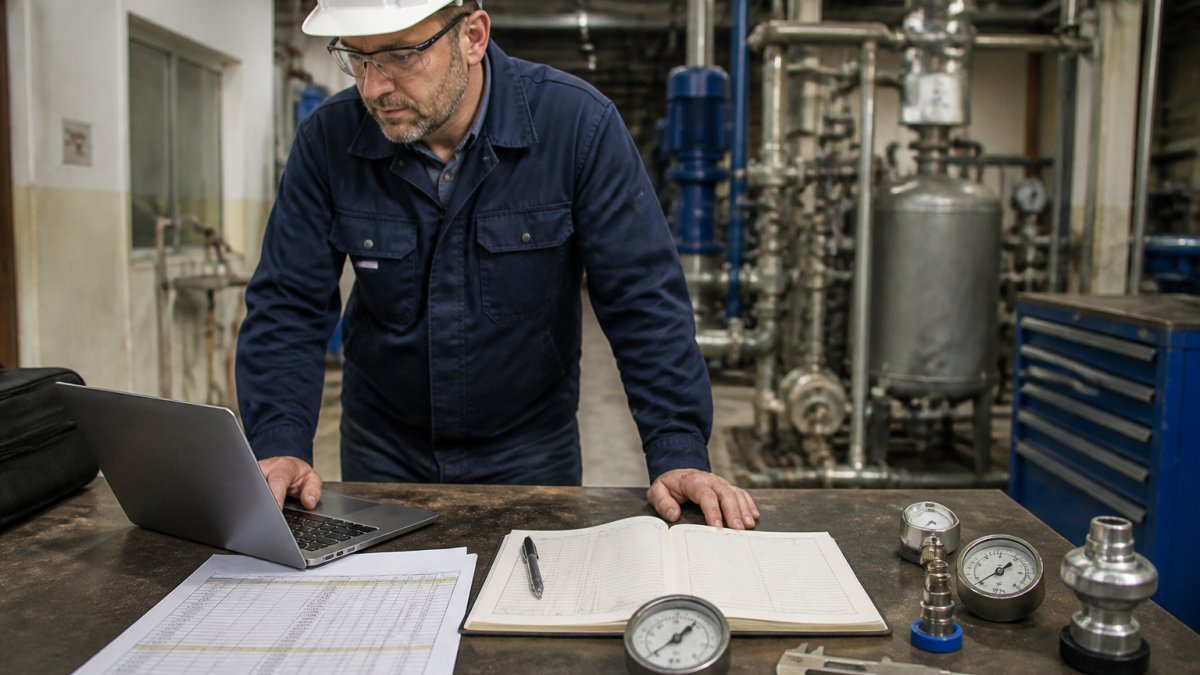
Spreadsheets are where most plant calibration logs actually live, and they can become real apps without a developer. GoCodes' 2026 analysis of cloud-based compliance tools notes the shift away from manual spreadsheets toward cloud platforms is already underway, largely because schedules and certificates need to be visible on the floor.
Migration follows a repeatable path:
- Pick one spreadsheet, usually the instrument register
- Clean duplicate IDs and missing dates first
- Map columns to fields: instrument, interval, last done, next due
- Import and spot-check 20 records against the paper log
- Retire the spreadsheet once the app is live
If you are unsure whether your sheets can become apps at all, read can you turn manufacturing spreadsheets into apps before you start. At SubAssembly you can send us one spreadsheet to see it returned as a working app.
BulbThings' 2026 tool management review reports that modern systems now expect mobile access, role-based visibility and automated maintenance scheduling as standard. That is the bar your migration should clear.
Frequently Asked Questions
What is calibration management software?
Calibration management software is a digital tool that tracks instruments, schedules calibration intervals, and stores certificates and audit trails. It replaces spreadsheets and paper logs with automated due date tracking, reminders, and compliance reporting. Dedicated calibration platforms are built specifically for this, while no-code tools such as SubAssembly let you turn an existing spreadsheet into a working app without IT support.
Can I use no-code tools to track equipment calibration?
Yes. No-code maintenance management software lets plant teams upload existing spreadsheets and generate a working app in minutes. SubAssembly builds apps in about 60 seconds from your data files, with an AI voice and web interface for querying plant records. Dedicated calibration platforms may ship with prebuilt compliance templates and hardware integrations, so check whether your compliance needs require those out of the box.
How do I choose the right calibration software for my factory?
Start with your compliance scope: ISO 9001 and IATF need audit trails and certificate storage, while 21 CFR Part 11 needs electronic signatures, which CompuCal provides. Then match scale. Some platforms suit large gage inventories, multi-site customization or regulated enterprises. For small plants without IT support, a no-code option that reuses your spreadsheet data avoids a lengthy implementation.
Calibration schedules fail quietly: a missed interval sits in a spreadsheet until an auditor finds it. SubAssembly turns the spreadsheet you already keep into a working app in 60 seconds, with an AI voice and web interface that answers questions about your plant data and integrations with AWS, Azure, Google Cloud and Databricks. Pricing is shown upfront before you build. Get started with SubAssembly and put your calibration schedules somewhere they cannot be missed.