 how-to
4 Steps to Connect Databricks to Plant Floor Apps
Last Updated: October 26, 2026
Quick Summary
To connect Databricks to plant floor apps, start by collecting shop floor data from sensors and machines into one central location, then build a manufacturing data pipeline using Unity Catalog to govern your data, integrate your MES and SCADA systems securely, and finally deploy your plant floor app with proper user training.
- Identify critical data sources like production counts, downtime logs, maintenance records, and quality checks before connecting to Databricks
- Use Unity Catalog to govern your manufacturing data pipeline architecture
- Test integration on small datasets first, then scale to your full plant floor
- Train your plant team on the new app to ensure adoption and proper data usage
Table of Contents
- Step 1: Set Up Your Data Source and Shop Floor Data Collection
- Step 2: Build Your Manufacturing Data Pipeline Architecture
- Step 3: Integrate Databricks MES and SCADA Systems
- Step 4: Deploy and Connect Your Plant Floor App to Databricks
- Frequently Asked Questions
Step 1: Set Up Your Data Source and Shop Floor Data Collection
To connect Databricks to plant floor apps, you start by collecting the right shop floor data. You need sensors, machines, and systems feeding a central location, though most plants have this data scattered across spreadsheets, logbooks, and old systems.
First, identify what data matters: production counts, downtime logs, maintenance records, and quality checks. Pull it together in one place before connecting it to Databricks.
Industrial IoT data collection best practices show that edge devices reduce latency and improve data reliability. Your plant floor data collection layer is the foundation for everything that comes next. Establishing this robust architecture ensures that your streaming telemetry matures into AI-ready data foundations capable of supporting advanced analytical workloads.
Start simple: pick one data source, like maintenance logs or production counts, and get it flowing into Databricks cleanly. Add more sources later. What an AI manufacturing app builder actually is explains what you can build once your data is ready.
Step 2: Build Your Manufacturing Data Pipeline Architecture
A manufacturing data pipeline moves data from shop floor sources to a cloud platform.
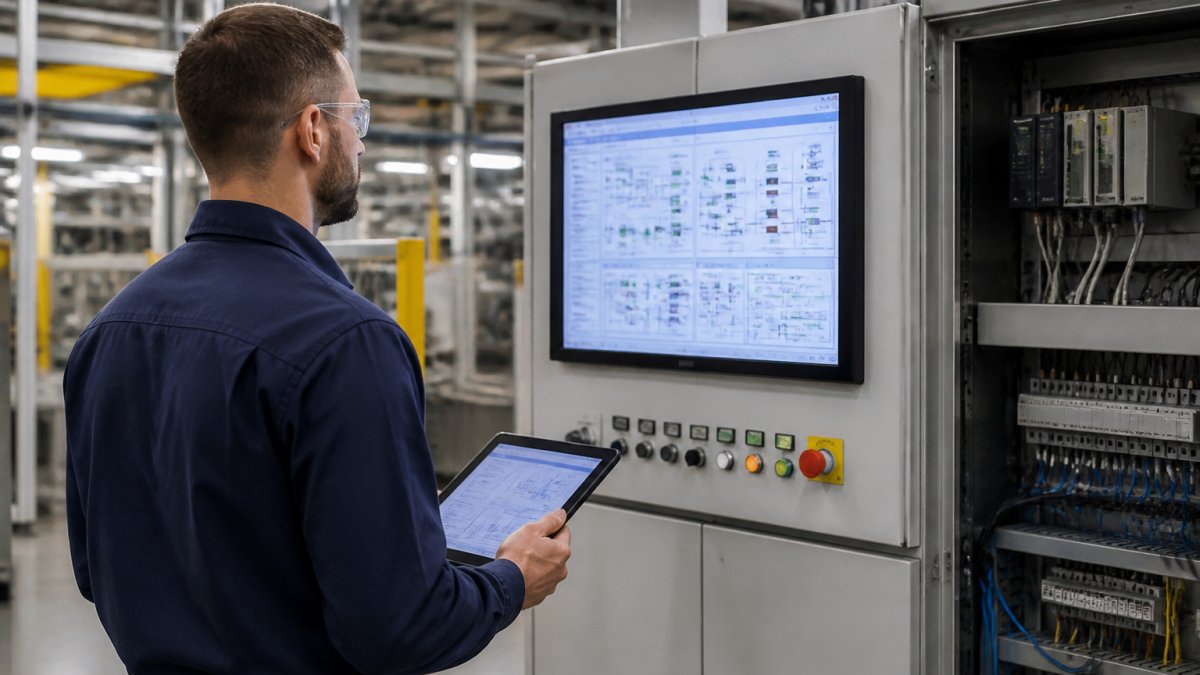
Manufacturing data pipeline architecture patterns shows that successful plants use Unity Catalog to govern their data.
Marketplace apps shows working examples of apps built on clean, governed plant floor data. See how other manufacturers structure their pipelines before you build yours.
Step 3: Integrate Databricks MES and SCADA Systems
OPC UA security for industrial IoT explains how to secure your industrial data streams. Authentication and permissions matter when you're moving production data to the cloud.
Test your integration on a small dataset first, confirm data flows cleanly and on schedule, then scale to your full plant floor.
Step 4: Deploy and Connect Your Plant Floor App to Databricks
Spreadsheet to Manufacturing App shows how to convert a spreadsheet into a working app connected to Databricks. Send us your existing data.
User onboarding matters. Train your plant team on the new app. Show them how to find the data they need. A working app that nobody uses wastes your effort.
Frequently Asked Questions
How do you connect Databricks to plant floor applications?
Start by exporting your plant floor data (maintenance logs, production records, inventory) into spreadsheets or structured formats. Upload these to SubAssembly, which generates a no-code app in 60 seconds.
What architecture should manufacturers use to send shop-floor data to Databricks?
A solid manufacturing data pipeline architecture flows from edge devices (PLCs, SCADA systems) through an edge gateway or middleware layer, then to Databricks via secure connectors. Data collection happens at the shop floor level through sensors and control systems; the gateway normalizes this data and sends it to Databricks in batches or streams. SubAssembly apps consume this governed data from Databricks tables, applying authentication and permissions so plant managers see only their relevant operational data. This separation keeps OT systems secure while enabling cloud-based analytics and AI insights.
Can Databricks connect to manufacturing systems such as MES and SCADA?
Yes. MES and SCADA systems can send data to Databricks through REST APIs, ODBC connectors, or custom integrations. For Databricks MES integration, extract production schedules, job tracking, and downtime logs from your MES and load them into Databricks tables using scheduled jobs or real-time streaming. For Databricks SCADA integration, use OPC UA or MQTT protocols to forward sensor readings and equipment status to a data pipeline that writes to Databricks. SubAssembly then builds plant-facing apps on top of this governed data, so operators access MES and SCADA insights without direct system access.
Plant teams spend too much time hunting for data buried in spreadsheets and outdated systems. SubAssembly connects your Databricks data to apps your team actually uses. Upload your current plant data and get a working app in 60 seconds. It pulls live production, maintenance, and quality data from Databricks so your plant floor sees what matters right now. Send a spreadsheet and see how fast we can get your plant data working.