 how-to
How to deploy custom plant software quickly in 2026
Last Updated: November 5, 2026
Quick Summary
You deploy custom plant software quickly by treating your existing spreadsheet as the specification: upload the workbook your team trusts and the app is built around it in about 60 seconds, with no IT ticket required. Then pick a builder that reads your current file formats and shows the cost before you build.
- Treat the spreadsheet as the schema, not something to redesign before you start.
- Upload the file and let the platform infer tables and fields, then fix what it got wrong.
- Check that data import handles duplicates and mixed formats to avoid a cleanup project.
- Add build cost, per-user cost at year-three headcount, and internal maintenance hours for the 3-to-5 year cost question.
- Choose a platform where the person who builds the app can also change it later.
Table of Contents
- Why spreadsheets slow plant teams down and how to deploy custom plant software quickly
- Turn spreadsheet into app: the fastest route to custom plant software
- Choosing a no-code app builder for manufacturing and a factory maintenance app that fits
- Frequently Asked Questions
Why spreadsheets slow plant teams down and how to deploy custom plant software quickly
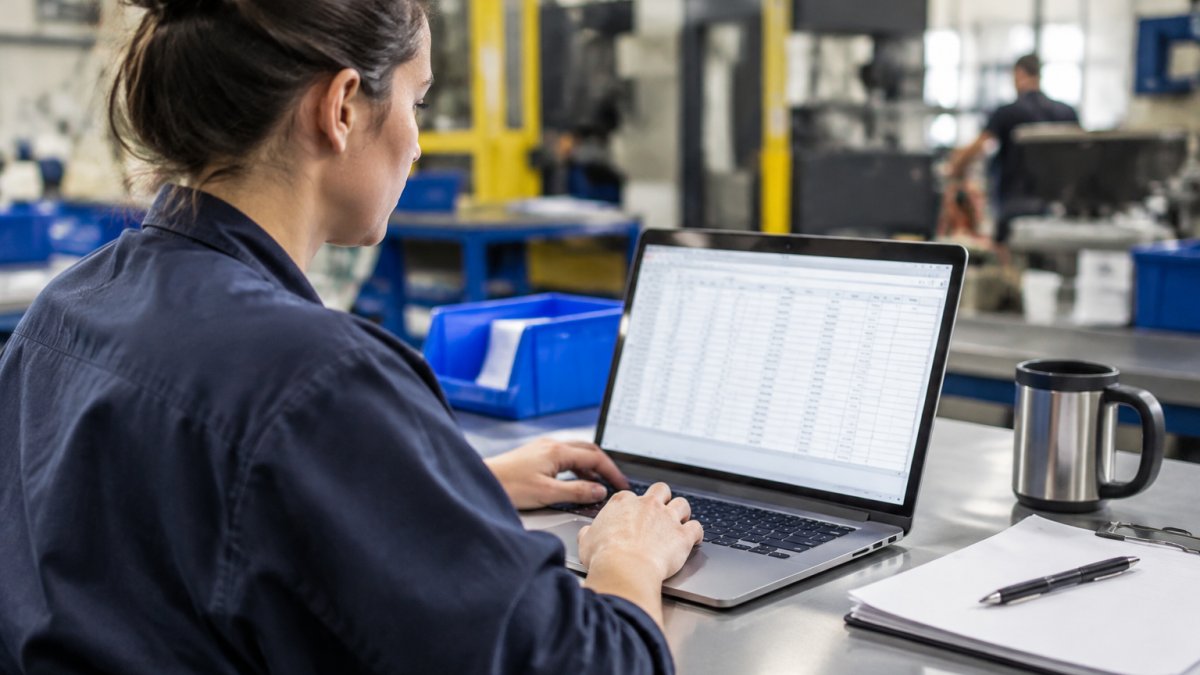
Most plant teams don't have a software problem, they have a spreadsheet problem. Maintenance logs, inventory, and production counts live in separate workbooks, and nobody owns the master version.
At SubAssembly, your existing spreadsheet is the specification: upload the workbook your team trusts and the app is built around it in about 60 seconds, no IT ticket required. Watch the three unedited recordings to see a sentence become an OEE app and a workbook become an app.
This guide covers the two decisions that keep deployment fast: getting from spreadsheet to app, and picking a builder that won't trap you in year three.
Turn spreadsheet into app: the fastest route to custom plant software
Treat the spreadsheet as the schema, not something to redesign. Upload the file, let the platform infer tables and fields, then fix what it got wrong.

For the detailed walkthrough, see the full step-by-step process, or send us one spreadsheet and get a working app back.
Choosing a no-code app builder for manufacturing and a factory maintenance app that fits
A no-code app builder for manufacturing turns existing operational data into working applications through configuration rather than code. The right one reads your current file formats and shows the cost before you build.
Consider how an app will be maintained after launch. Look for a platform where the person who builds the app can also change it later, without the original builder.
For a side-by-side look, see the best no-code manufacturing apps and the comparison of no-code apps for small manufacturers.
| Decision | What to check | Why it matters later |
|---|---|---|
| Data import | Handles duplicates and mixed formats | Avoids a cleanup project before you start |
| Pricing | Shown before you build | Prevents budget surprises at renewal |
| Exit path | Data and logic export | Protects you if the platform changes |
The 3-to-5 year cost question is the one nobody asks in the demo. Add build cost, per-user cost at year-three headcount, and internal maintenance hours.
The real test isn't whether a platform can build an app, almost all can. It's whether the app still works in eighteen months, when the builder has moved shifts and the process has changed twice.
Upload your workbook and get a working app in about 60 seconds, with the price shown before you build. Query plant knowledge and live operational data through voice and web, connect to AWS, Azure, Google Cloud, or Databricks, and let the people who run the floor change the app without filing a ticket.
Send us a spreadsheet and see what comes back.
Frequently Asked Questions
Can I deploy custom plant software without coding?
Yes. No-code platforms let you build plant software by uploading existing spreadsheets. SubAssembly turns those files into working apps in about 60 seconds, with no coding required. You keep your current data structure and add forms, dashboards, and an AI interface on top. This means maintenance logs, inventory counts, and production tracking can move off paper and shared drives without waiting for an IT project.
How quickly can a no-code app be deployed in a factory?
Deployment speed depends on how clean your starting data is. With SubAssembly, the initial app build takes about 60 seconds after you upload a spreadsheet. You then review fields, set user access, and test on the floor.
What plant workflows can no-code software support?
Common starting points include maintenance, inventory, production, and quality management. SubAssembly supports maintenance, inventory, production, and quality management. You can also connect cloud data sources like AWS, Azure, Google Cloud, or Databricks to bring real-time operational data into the same interface, so teams query one place instead of chasing separate spreadsheets.